
Transport Fever 3 cargo stuck at the station? Demand, catchment, line setup and deadline checklist to get freight moving. Pre-launch.
Transport Fever 3 Cargo Not Loading? How to Find the Broken Link
Quick answer: In Transport Fever 3, freight waits at its origin until a complete, correctly configured line exists to carry it somewhere that actually wants it. Nine times out of ten, "stuck" cargo means missing demand, a station outside the industry catchment, or vehicles that cannot load that cargo category. Work through the checklist below before assuming anything is bugged, since the game launches September 29, 2026 and several UI details are still pending launch verification.
Start here: how cargo decides to move
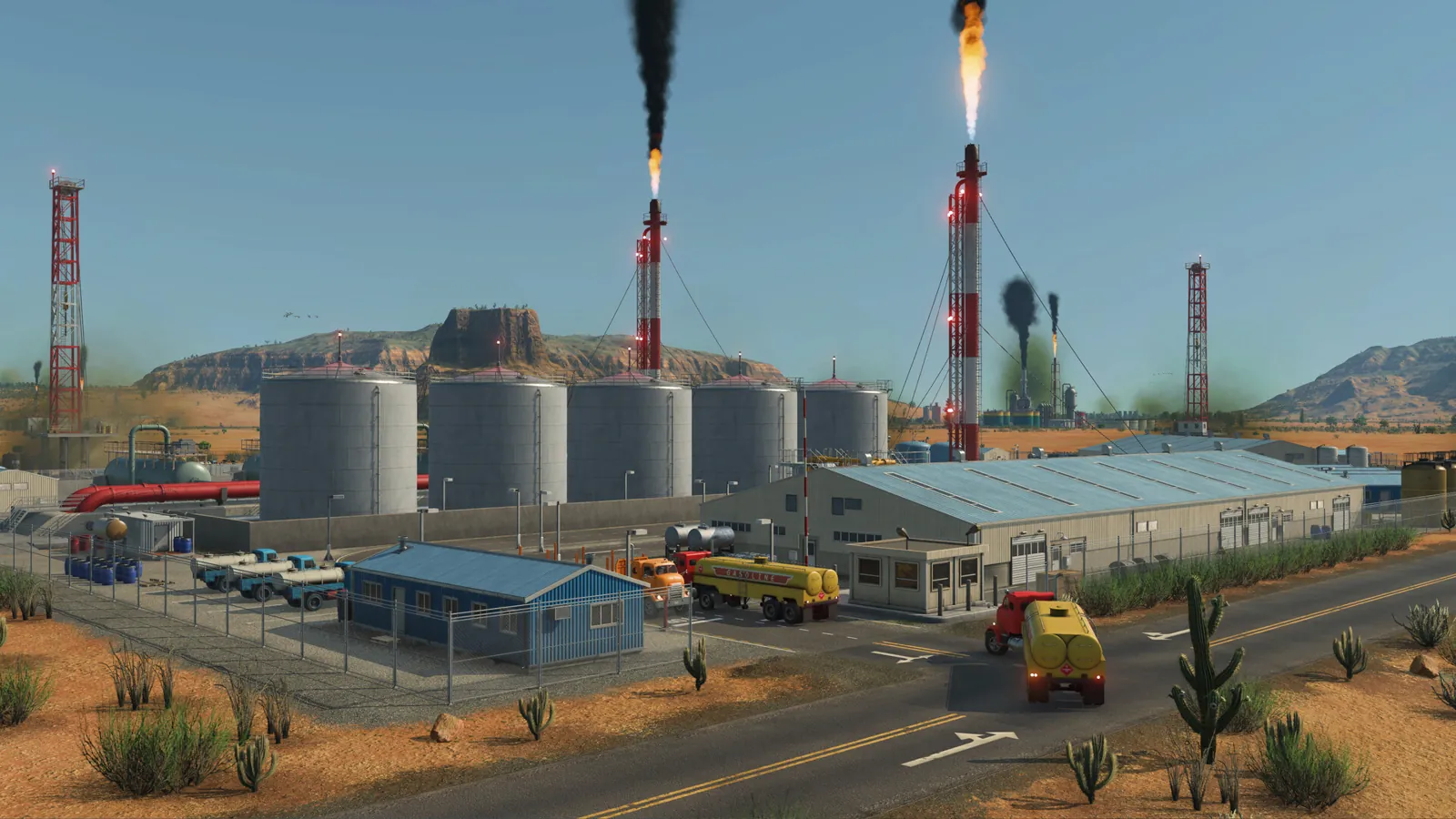
The number one mindset shift from TF2 is that cargo has no destination when produced. It sits at its point of origin, visible in the world as full silos, coal piles, or oil tanks, until your line collects it. Nothing ships itself. So when a platform stays empty, the question is never "why is the cargo lazy" but "which link in my setup is incomplete."
Official source: Dev Blog Episode 2: Industries and Cargo
Open the cargo flow overlay first. Episode 5 added world-space overlays plus floating icons that show waiting freight at industries and unhappy receivers at a glance, so the map itself tells you where the pileup lives. Then walk the checklist in order, because demand problems disguise themselves as station problems constantly.
Official source: Dev Blog Episode 5: Highlights
Step 1: confirm somebody wants this cargo
Cargo only loads onto a line that ends somewhere with demand for it. A full truck driving in circles earns nothing if the destination town is too small to want the goods, or if the receiving industry does not need that input. Check these:
- The destination town is big enough to demand this product. Hamlets only want basics like fish, vegetables, and planks; complex goods need bigger settlements. The full demand ladder is explained at City Growth Explained: Tiers and Demand.
- The receiving factory actually lists your cargo as an input. Dynamic industries appear as towns grow, so a factory that wanted your goods last decade may have shifted product lines.
- For multi-leg routes, every transfer point has onward demand too. Warehouses store and forward, but they do not create demand by themselves. See Warehouses and Terminals Guide for how hubs fit in.
A line from a farm to a town that is too small for farm produce will sit idle forever, and no station upgrade fixes it. Always verify demand exists before spending a cent on faster platforms or bigger trucks.
Step 2: check the station catchment and loading setup
Every industry ships through a catchment area. The cheapest option is the integrated loading dock built into the industry itself, but it loads slowly and queues badly once traffic grows. Faster pickup needs a real station inside the catchment, optionally specialized for the cargo category.
| Symptom | Likely cause | Fix to try |
|---|---|---|
| Nothing ever loads, dock looks idle | Station outside catchment or line has no valid destination | Move the station into the catchment, confirm demand at the far end |
| Loads at a trickle, queue of full trucks | Integrated dock saturated | Add a station in the catchment, lengthen truck bays so several vehicles load at once |
| Wrong cargo piles up, right cargo stays | Universal station mixing flows | Split flows across specialized platforms per category |
| Loads fine, then stalls mid-route | Transfer station full or onward leg broken | Check the hub storage and the second leg's demand and vehicles |
Truck stations deserve a special mention: several vehicles can load or unload simultaneously as long as the station is long enough. A short bay with five trucks assigned behaves exactly like a bug, with four trucks waiting and one crawling. Stretch the station before blaming the game.
Step 3: check the line, vehicles, and cargo category
With demand and stations confirmed, look at the rolling stock. Universal vehicles carry anything but load slowly; specialized tankers, open wagons, flatbeds, and closed vans load their own category much faster and refuse everything else. A shiny new tanker assigned to a grain line loads exactly zero grain, forever.
Match all three layers to the same category: vehicle, station modules, and warehouse specialization. The production chain overview has the full category table with examples. Also confirm the line itself is valid end to end: both terminals built, stops in the right order, and vehicles actually assigned. The overhauled line manager lets you select and edit lines directly in the world now, including drag-and-drop stop order, so mis-ordered stops are a thirty-second fix instead of a rebuild.
Rail players with jammed freight should also look at signaling. TF3 uses path-based signaling with improved reservation logic, and a deadlock upstream looks identical to "cargo not loading" from the industry camera. The signal setup lives at Trains and Signals Guide.
Episode 5 put cargo flow visualization and floating status icons directly in the game world. A quick flyover showing waiting freight at the origin and an empty destination usually reveals whether the break is at pickup, in transit, or at delivery, which saves rebuilding the wrong end.
Step 4: remember deadlines and payment
Even moving cargo can look broken when the money disappoints. Every cargo type has an expected delivery time, and late loads still pay cash but damage the town's delivery rating, which slows city growth. If your food line crawls on a scenic barge route, the town rating bleeds while your wallet looks fine, and that is working as designed.
Payment itself changed fundamentally. The developers confirmed the old long-distance money-printing routes are dead: hauling goods far pays for complexity of the cargo, not kilometers traveled. Only express passenger travel still rewards speed and distance. So a "broken" goods line is sometimes just a low-complexity cargo on an overbuilt route. The money side is covered in depth at Cargo Payment Explained.
Official source: Dev Blog Episode 4: Tycoon
Frequently Asked Questions
Why is my cargo waiting at the factory while trucks sit empty?
Almost always one of three things: no demand at the destination, the station sits outside the industry catchment, or the trucks cannot load that cargo category. Check demand first, then catchment, then vehicle compatibility, in that order.
Do I need a warehouse to make cargo move?
No. Warehouses handle transfers between lines and buffer storage for hubs; they never substitute for demand. Add one when a multi-leg route needs a handoff point, not as a cure for idle cargo.
My line worked yesterday and stopped today. What changed?
Towns grow and industries appear dynamically, which can shift demand, and boosted industries can outgrow their loading setup overnight. Re-check the destination demand and whether the origin dock is now saturated enough to need a proper station.
Are slow loading speeds a bug?
Probably not. Integrated industry docks are intentionally the slowest option, and universal vehicles load slower than specialists. Upgrade to category-matched stations and vehicles before reporting anything, and note that exact loading-rate numbers are still pending launch verification.
Where do I see what is stuck?
Use the in-world cargo flow overlay and the floating status icons from the Episode 5 UI overhaul. Waiting freight shows at industries and warehouses, and unhappy receivers flag themselves, so a short flyover usually pinpoints the broken link.
More Transport Fever 3 Guides
Helicopters are new in Transport Fever 3, with the Sikorsky S-76 confirmed. What they are good for, what they cannot do, and costs still unconfirmed.
How money works in Transport Fever 3: delivery income, running costs, full loads, and the route habits that turn thin lines profitable.
Transport Fever 3 landmarks grant area bonuses tied to headquarters and company rank. Confirmed landmarks, how bonuses work, and subsidy details still pending.
Transport Fever 3 loans and contracts explained: dynamic borrowing, risk-versus-reward deals, and rules for debt that builds instead of kills.
Transport Fever 3 mods run through an in-game browser with cross-platform support. Learn Curated Mods, mod.io, and Workshop status.
Cut noise and pollution in Transport Fever 3: barriers, trees, underground rail and fleet maintenance. Pre-launch guide.
Transport Fever 3 offshore oil and fishing guide: rigs, fishing grounds, ships and climate limits for sea supply chains. Pre-launch.
Fix Transport Fever 3 lag and stutter: graphics settings that help, CPU bottleneck advice, and late-game slowdown cures that work.